
At a glance
- Define the target schema and field rules before touching the source files.
- Standardise the few fields that drive routing, segmentation and reporting first.
- Keep originals, log every rule and test the output in real workflows, then verify key values.
What data transformation means for a B2B team
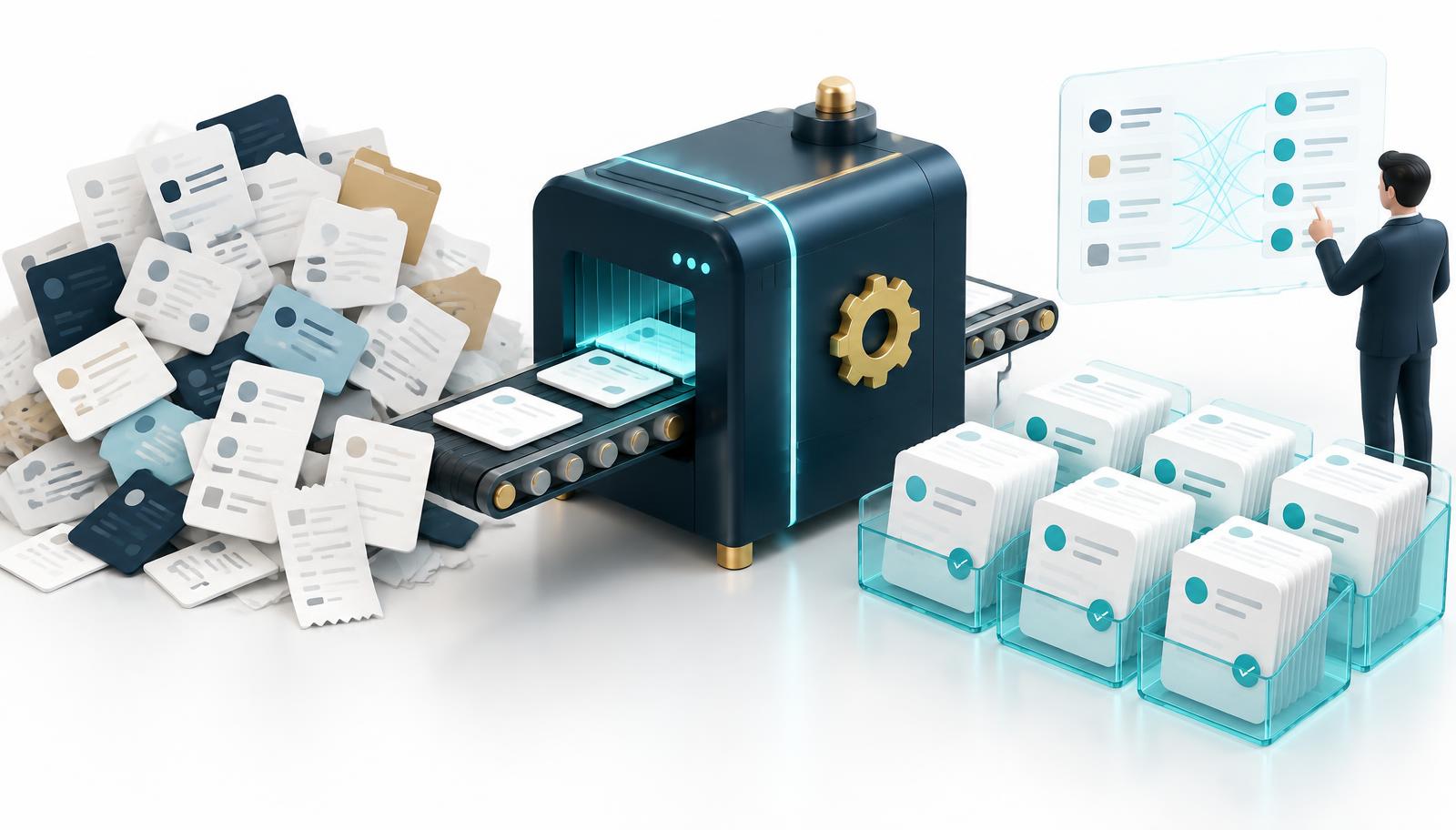
Data transformation is the work of converting records from the shape they arrive in to the shape your systems and teams can use. In B2B work that usually means taking exports from old CRMs, event registrations, purchased lists, spreadsheets from regional offices and research files, and turning them into one consistent structure.
It is not the same as cleaning, although the two overlap. Cleaning fixes values that are wrong. Transformation changes format, structure and meaning so that correct values line up: splitting a full name, mapping free-text industries to a standard list, converting country names to codes or turning several address lines into separate fields.
Start from the destination, not the source file
The most common mistake is to open the messiest file and start fixing whatever looks wrong. A better starting point is the target: which system will receive the data, which fields it expects, which are mandatory and which values each picklist allows. Write a short definition for every important field, including the format and an example.
This target schema becomes the contract for the project. If the CRM routes accounts by country code and employee band, those two fields deserve precise rules. If nobody uses a fax number, there is no reason to spend time standardising it. Agreeing the destination first keeps the effort focused on fields that affect decisions.
Profile the data before changing anything
Before writing a single rule, look at what each source actually contains. Count blanks per column, list the distinct values in fields that should be picklists, check for mixed formats in phone numbers and dates, and look for columns that have been used for something other than their label. A “Company” field holding a person's name is more common than people expect.
Profiling also reveals how sources disagree. One file might record “UK”, another “United Kingdom” and a third “GB”; one might store employee numbers as exact counts and another as ranges. Writing these differences down early prevents rules that work for one file and silently damage another.
Standardise the fields that drive decisions
A handful of fields usually carry most of the business logic. Country and region should map to one code list. Industry should map to a single classification, whether a standard such as SIC or NAICS or your own simplified list. Job titles benefit from an added function and seniority so that “VP Sales” and “Vice President, Commercial” can be segmented together.
Company names need care. Removing legal suffixes such as “Ltd” or “GmbH” helps matching, but the legal name should still be stored somewhere. Domains should be reduced to the root without protocol or tracking parameters. Phone numbers are easier to use when held in an international format with the original preserved next to it.
Make your next data project easier to review.
Data Validation & CleansingMap, split and merge without losing meaning
Some fields need to be divided: full names into first and last, single address strings into street, city and postcode. Others need combining, such as separate department and title columns that the target holds as one. Each split or merge should have a rule for awkward cases, including double-barrelled surnames, building names and addresses with no postcode.
Mapping free-text to picklists is where meaning is most easily lost. When a value does not fit cleanly, send it to a review queue rather than forcing the nearest match. An “Other” bucket that quietly absorbs a fifth of your records is a sign that the target list, or the mapping, needs another look.
Keep the original and record every rule
Never overwrite source values during transformation. Keep the original column, the transformed value and, where useful, a note of which rule produced it. This makes it possible to explain a strange output, reverse a bad rule and rerun the job when a new file arrives without starting from scratch.
A simple rules log, listing field, rule, reason, owner and date, is often enough. It turns transformation from one person's spreadsheet habits into something a colleague can review and repeat. It also helps when sales asks why a familiar account suddenly sits in a different region.
Validate the output in the workflows that use it
A transformed file can pass every format check and still fail in practice. Import a sample into a staging area or sandbox and test the processes that depend on it: territory routing, duplicate detection, campaign segments, reporting dashboards and any integration that syncs to other tools. Check that record IDs and relationships between accounts and contacts survive.
Then validate selected values against evidence. Confirm a sample of company statuses, domains and roles, especially where rules changed something important. Transformation makes data consistent; it does not make it true. Pairing it with verification is what turns a tidy file into a reliable one.
Make transformation repeatable
Most organisations will receive more files next month. Store the agreed rules where they can be reused, whether in a script, an integration tool or a documented checklist. Note which sources need special handling, and review the rules when the target system or business definitions change.
Where possible, fix problems upstream. If web forms allow free-text countries, switch to a dropdown. If event teams export in a different format each time, agree a template with them. Every upstream fix reduces the amount of transformation needed later and keeps the CRM from drifting back into inconsistency.
A practical comparison
| Check | Starting point | What to confirm |
|---|---|---|
| Scope | Fix whatever looks wrong | Target schema with field definitions and owners |
| Picklists | Force values into the nearest option | Mapping rules with a review queue for exceptions |
| History | Overwrite source values | Originals, transformed values and a rules log |
| Testing | Check formats only | Staging import, workflow tests and evidence checks |
Frequently asked questions
What is B2B data transformation?
It is the process of converting business records from their source formats into a consistent structure your systems can use, including standardising, mapping, splitting and merging fields.
Is data transformation the same as data cleansing?
They overlap but differ. Cleansing corrects wrong or outdated values; transformation changes format and structure so that values from different sources line up. Most projects need both.
Which fields should be standardised first?
Start with fields that drive decisions: country or region, industry, employee range, company name and domain, and job function or seniority. These usually affect routing, segmentation and duplicate matching.
Should transformed data go straight into the live CRM?
Test in a staging area first. Check routing, deduplication, reports and integrations, keep a rollback file, and only then import to the live system.